The Compliance HQ is a centralized hub for Compliance and Marketing users to review content that's been submitted on advisor's websites. Users may be assigned to Queues created by the Marketing team that manages the infrastructure of advisor websites.
Submission Area
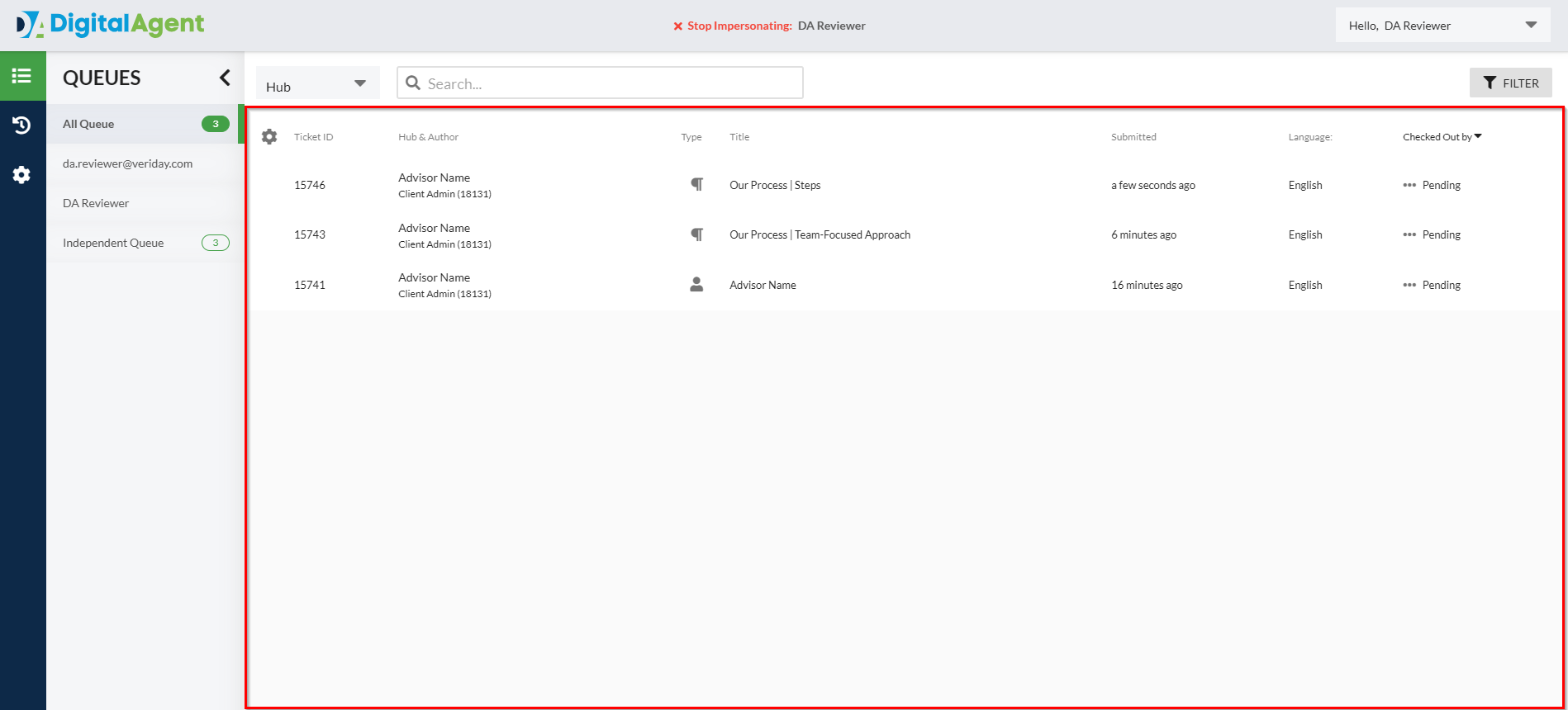
The Submission Area is where all advisor's content submissions will display. Once advisor submits a piece of content for review, it's sent to the Compliance Queue their hub is associated with and will now be accessible to all reviewers assigned to that specific queue. Multiple reviewers may be assigned to the same queue.
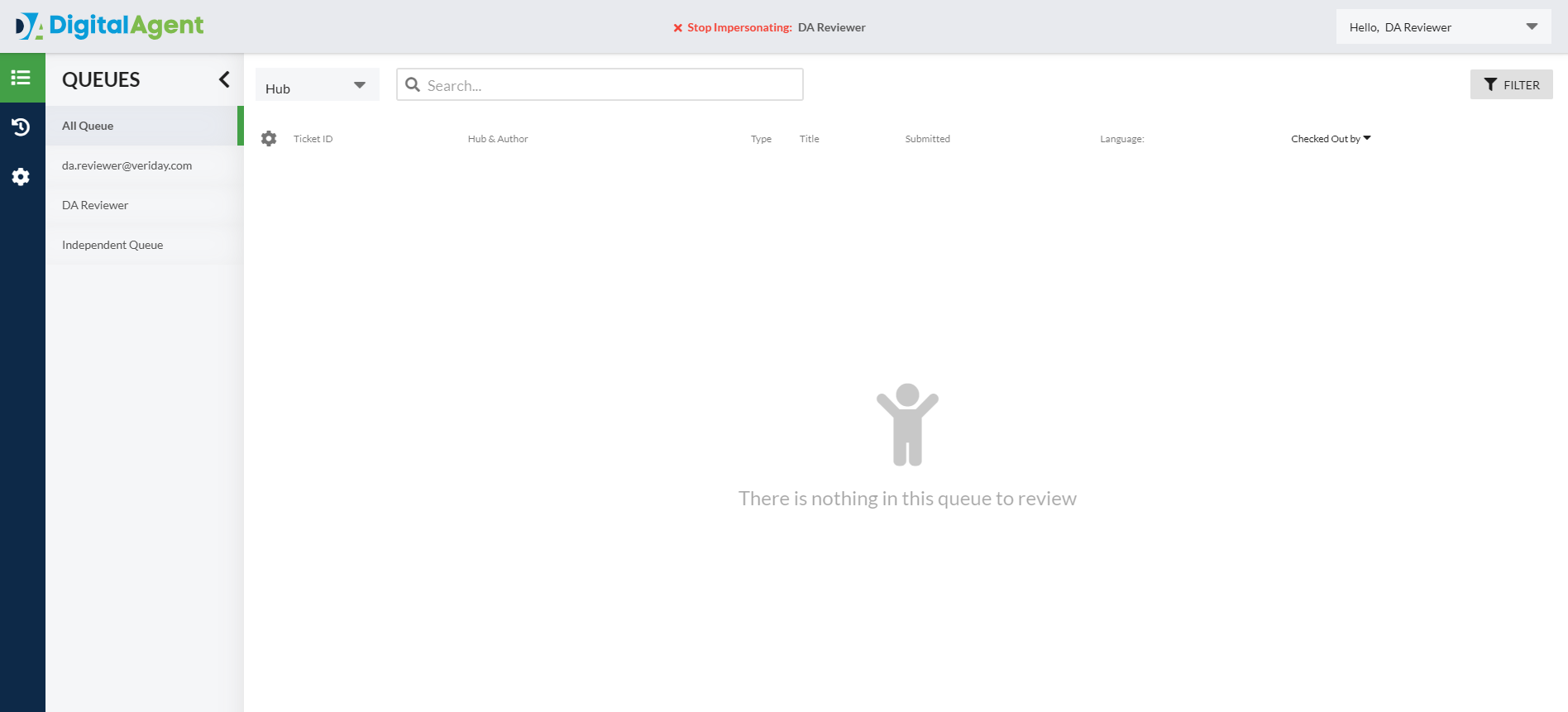
If no submissions are present in the queue, a "There is nothing in this queue to review" message will display.
Sorting & Filtering the Submission Area
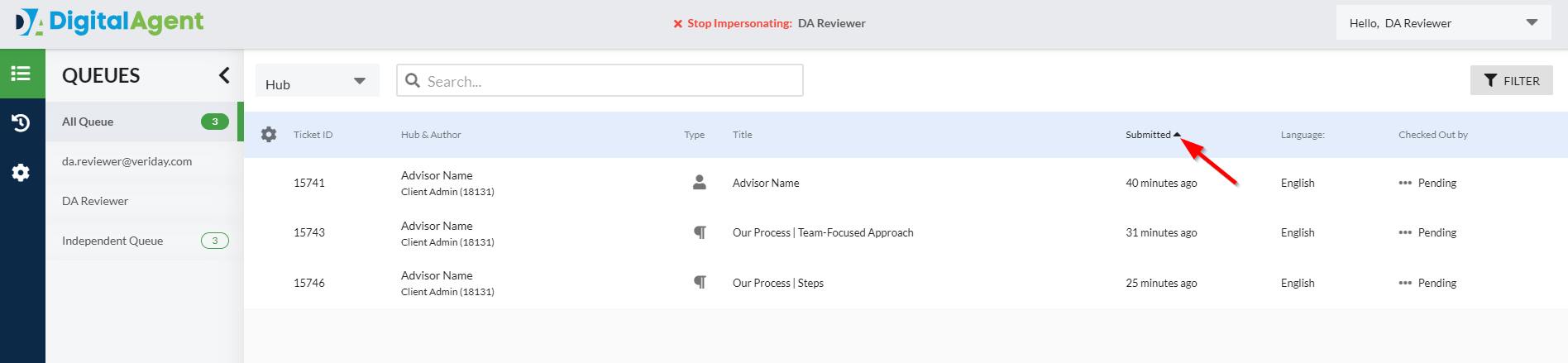
All submissions may be sorted in Ascending or Descending order using the column headers at the top of the Submission Area.
Filtering Your View
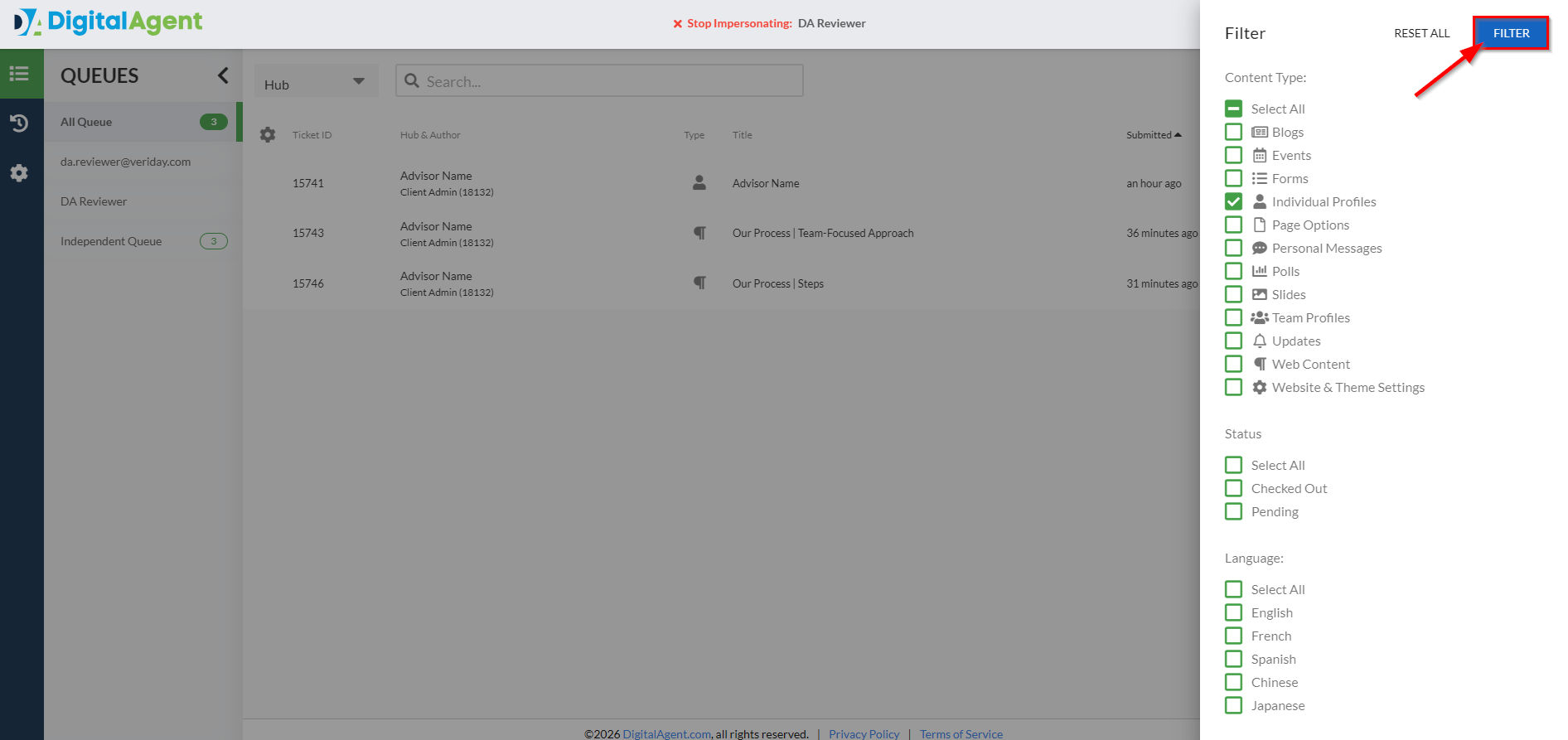
1. To apply filters, select the Filter button to open the Filter panel.
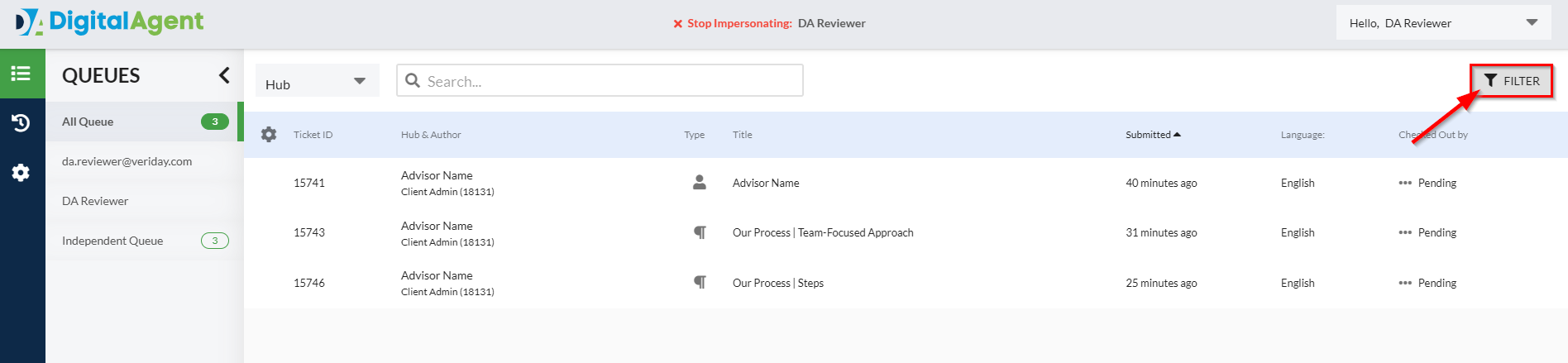
2. Choose any combination of Content Type, Status, or Language to display only submissions that meet your selected criteria.
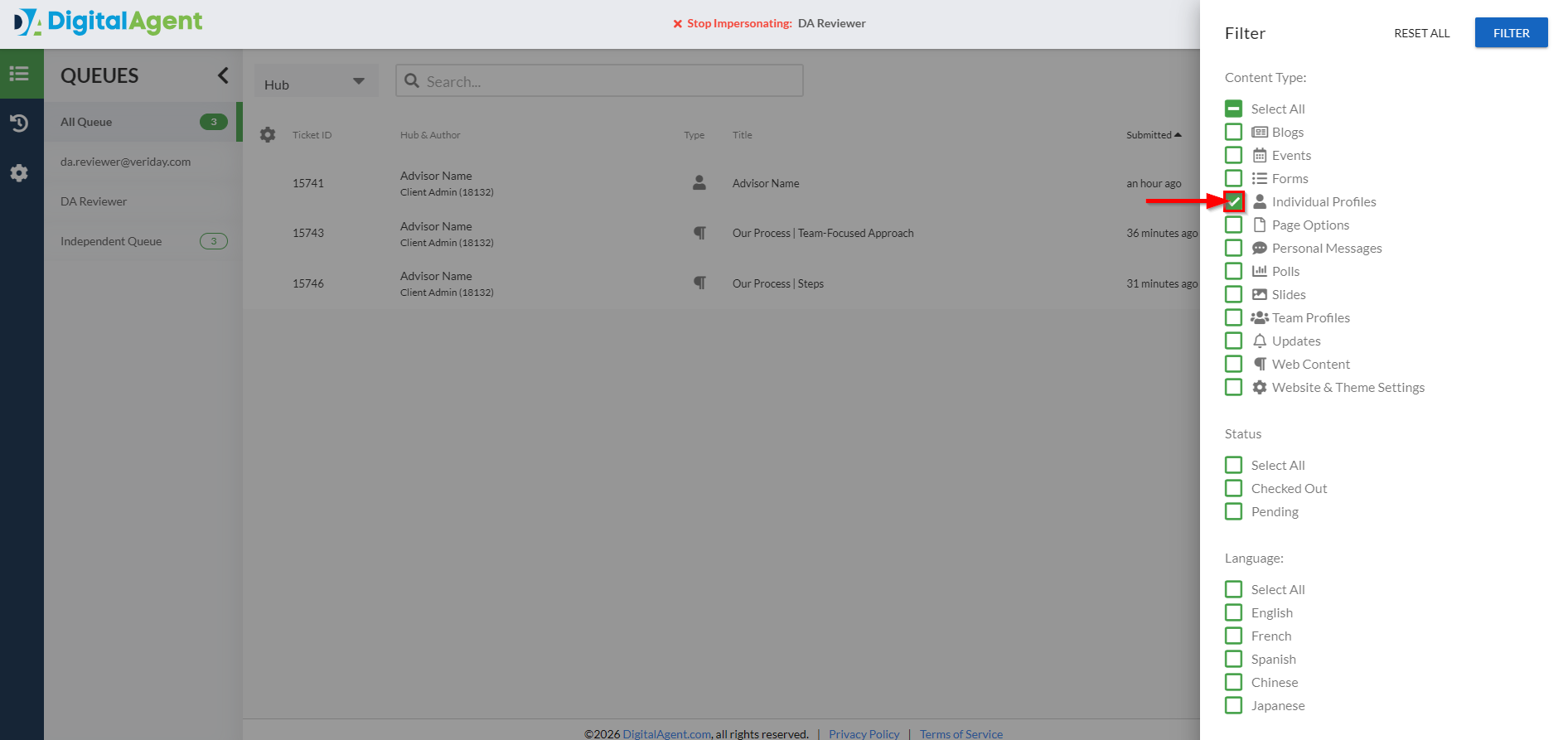
3. When finished, click the Filter button to apply your filters to your current view.
Queues List
By default, your view will display submissions from All Queues. The Queues List in the sidebar allows you to select and view submissions only from hubs that are associated with specific queues.
If you've been assigned as someone's out of office delegate,
Was this article helpful?
That’s Great!
Thank you for your feedback
Sorry! We couldn't be helpful
Thank you for your feedback
Feedback sent
We appreciate your effort and will try to fix the article