If you own a custom domain and have purchased the auto cert renewal process. The following are the steps to follow to transition
Steps for Domains that only have website records for Digital Agent
- Submit a request through the support portal listing the domains that are to be enabled for auto cert renewal
- Login to the portal and select "Submit a Ticket"

- Select the "Domain Related Request" option
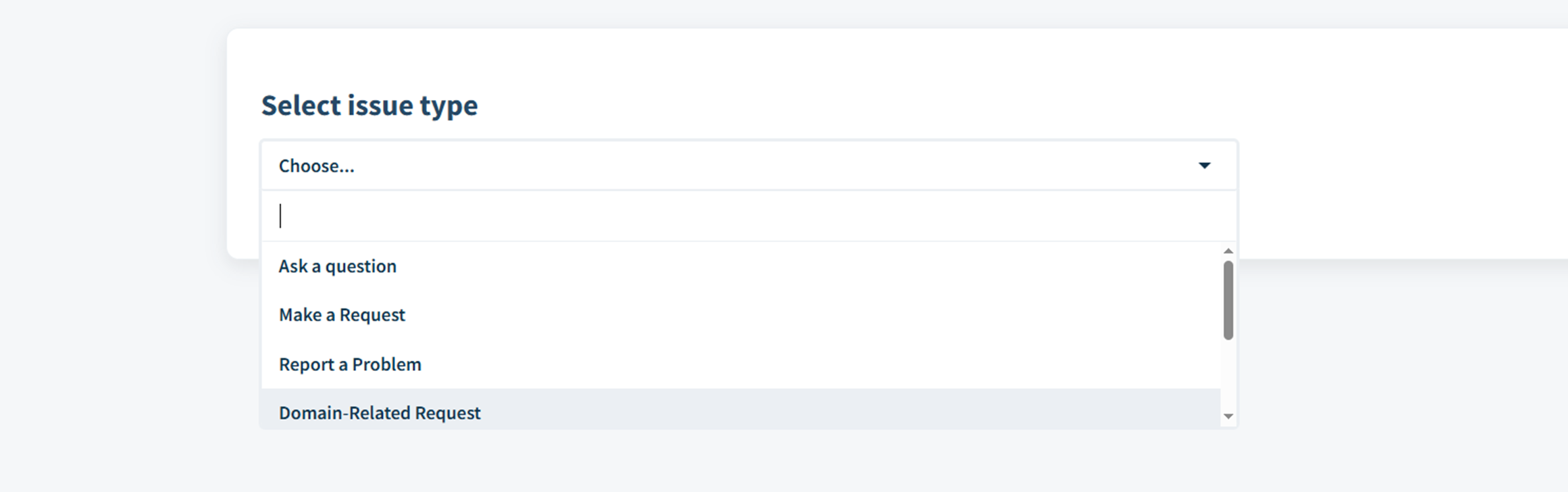
- Add Subject line - Domain Auto Renewal Transition - Batch#, Add any additional CC personnel,
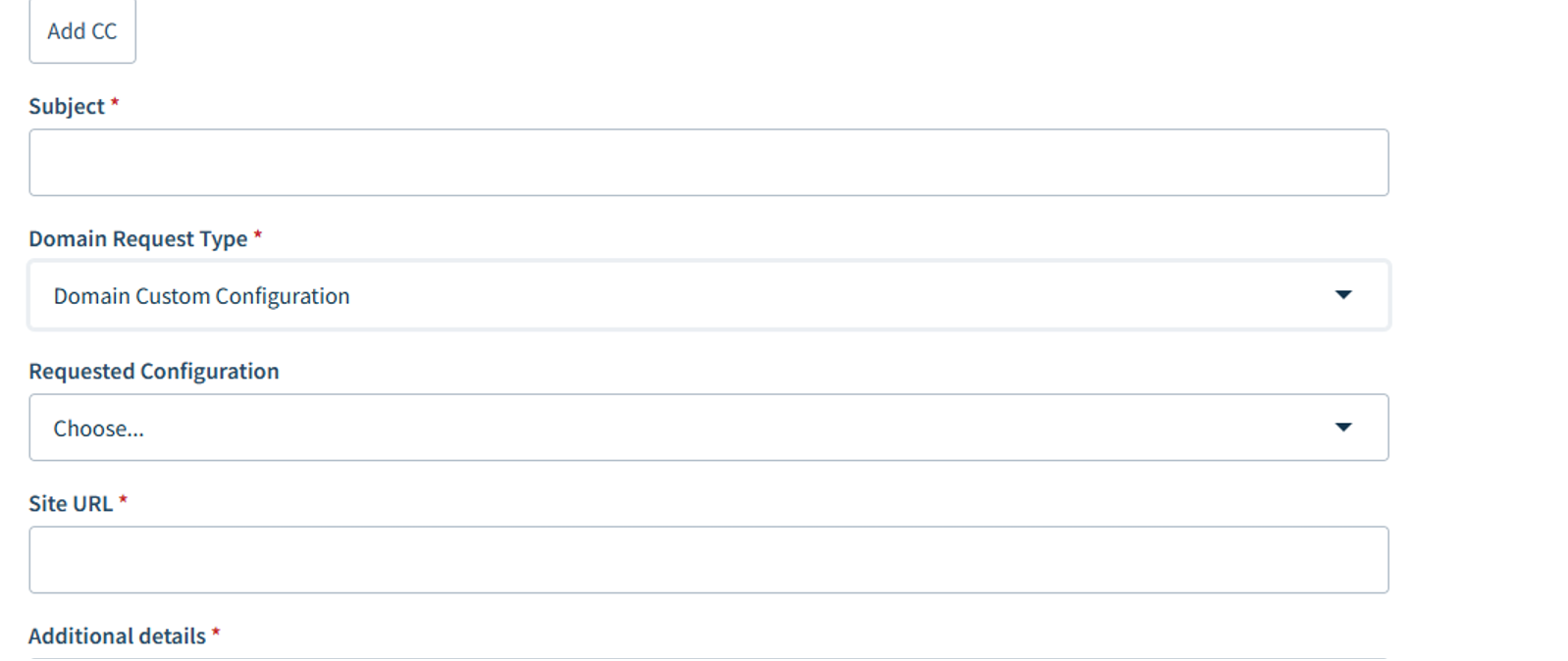
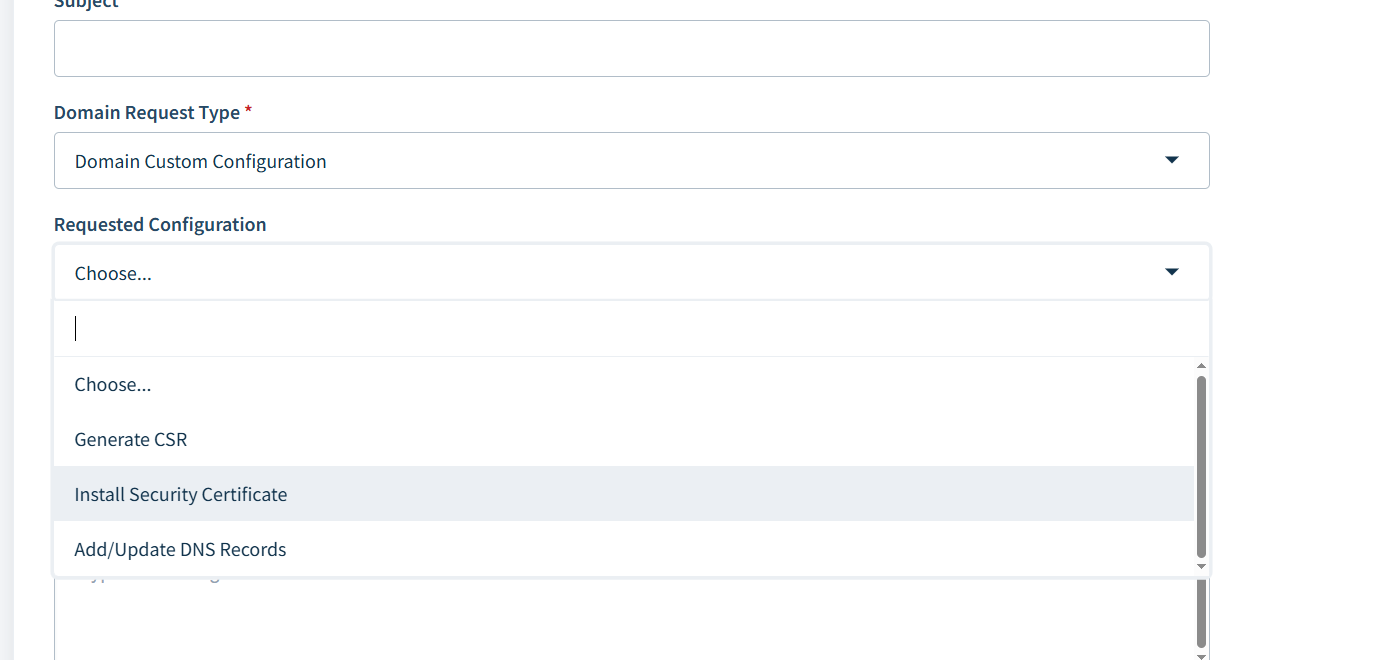
- Select "Install Security Certificate" in the Requested Configuration.
- A list of domains can be updated as an attachment - no more than 25 domains at a time per submission.
- Login to the portal and select "Submit a Ticket"
- The Digital Agent team will confirm the configuration settings have been made and provide the name server settings that will need to be added to the DNS configuration
- Client who manages the DNS will need to update the nameserver setting to point to the entries provided instep 2
- Confirm the ticket that the nameserver setting have been made.
- Digital Agent team will confirm that new cert renewal process is functioning as expected.
Helpful information on adding or editing DNS Records (Knowledge Base Article)
Was this article helpful?
That’s Great!
Thank you for your feedback
Sorry! We couldn't be helpful
Thank you for your feedback
Feedback sent
We appreciate your effort and will try to fix the article